How do I monitor Cortex Function Spend
Last updated: September 19, 2025
In SELECT, you can create a Saved View that is filtered to Cortex Functions spend.
Go to Workloads -> All Workloads
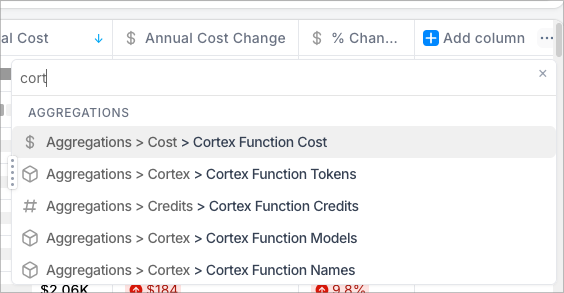
In the bottom table, Use the blue + to add a column to the table for "Cortex Function Cost". Sort descending on this column.
In the filter bar at the top, apply a filter for "Cortex Function Cost" is not null.
